
Verification issues in Sign Up
Can't sign up for email? If this is the case for you, please follow the instructions below.
A. Email not received.
- Check your spam folder first. If you entered your email correctly when signing up and did not receive a verification email, please get in touch with us via chat or support@plask.ai.
B. Verification link error: 5XX or 4XX
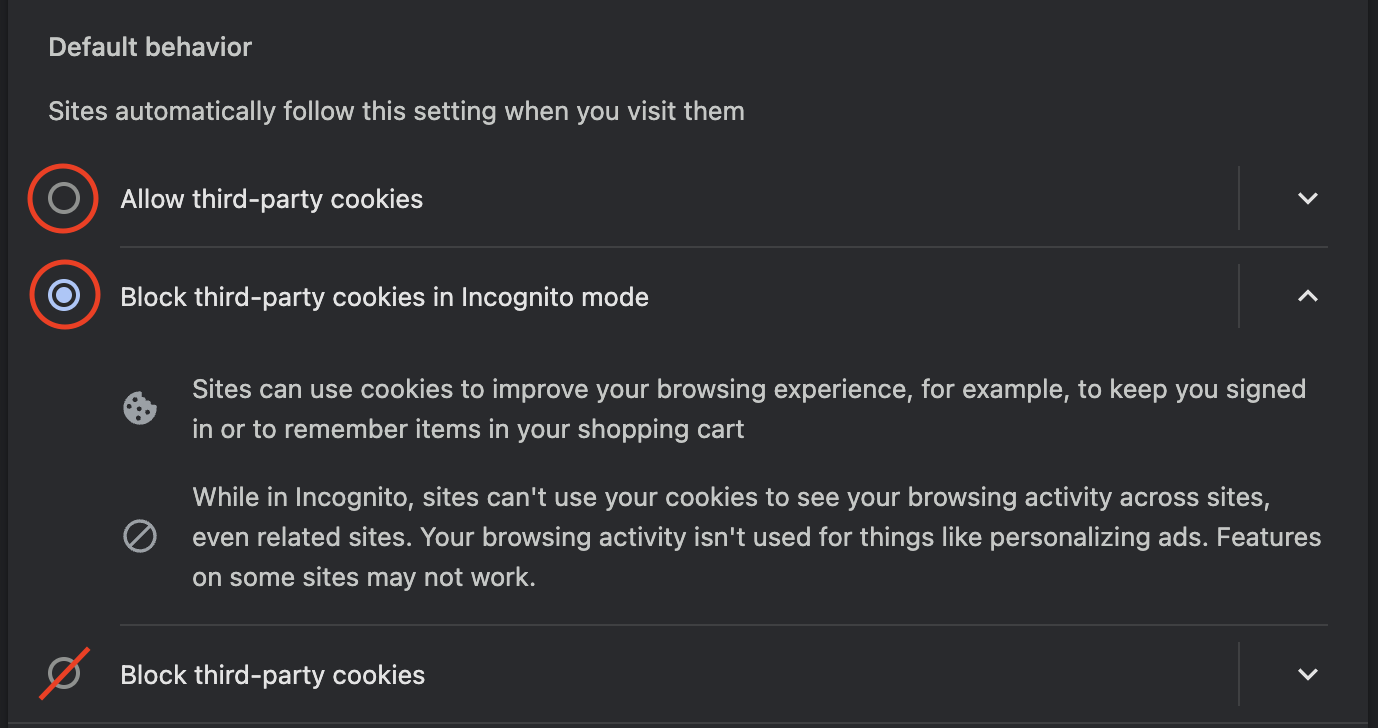
- If you enter the verification link and get a 500 error and the page does not appear, please check if cookies are blocked in your browser settings (If you use Chrome browser → chrome://settings/cookies).
- Please visit motion.plask.ai/login and try to reset your password.
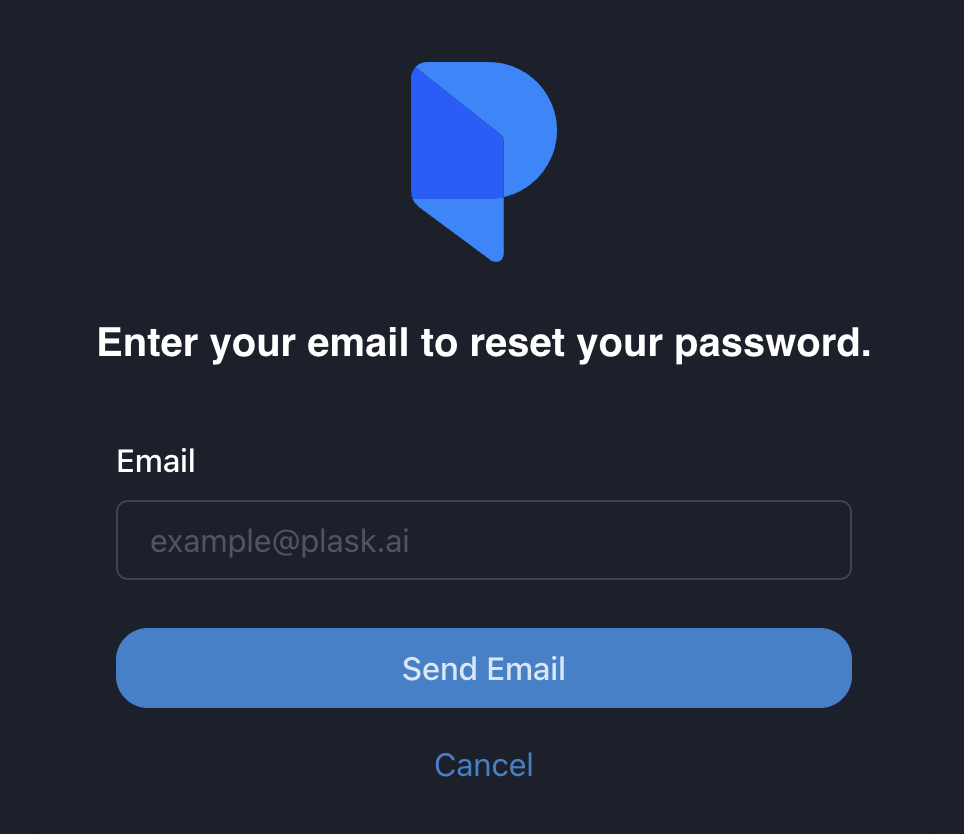
- Then try to sign up again. If you can't complete signing up, contact us in chat or at support@plask.ai to delete your registration record.
C. 403 error: access_denied in Continue with Google
-
If you tried signing up through Continue with Google and received a 403 error, you may already be signed up with that email.
-
Enter the password you signed up with in a previous version or create a new account. You can also reset your password.